Storage
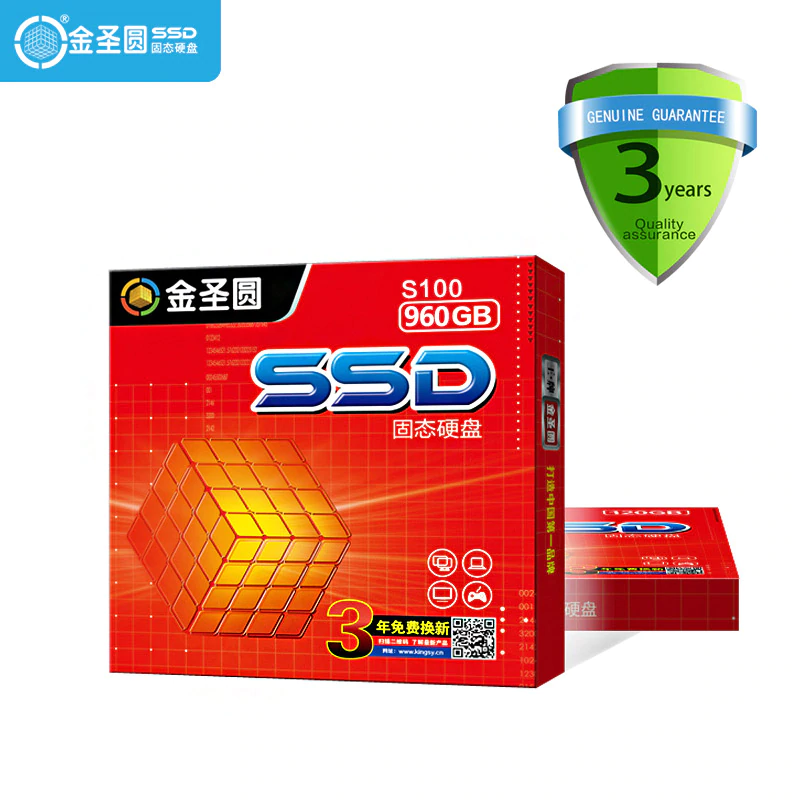
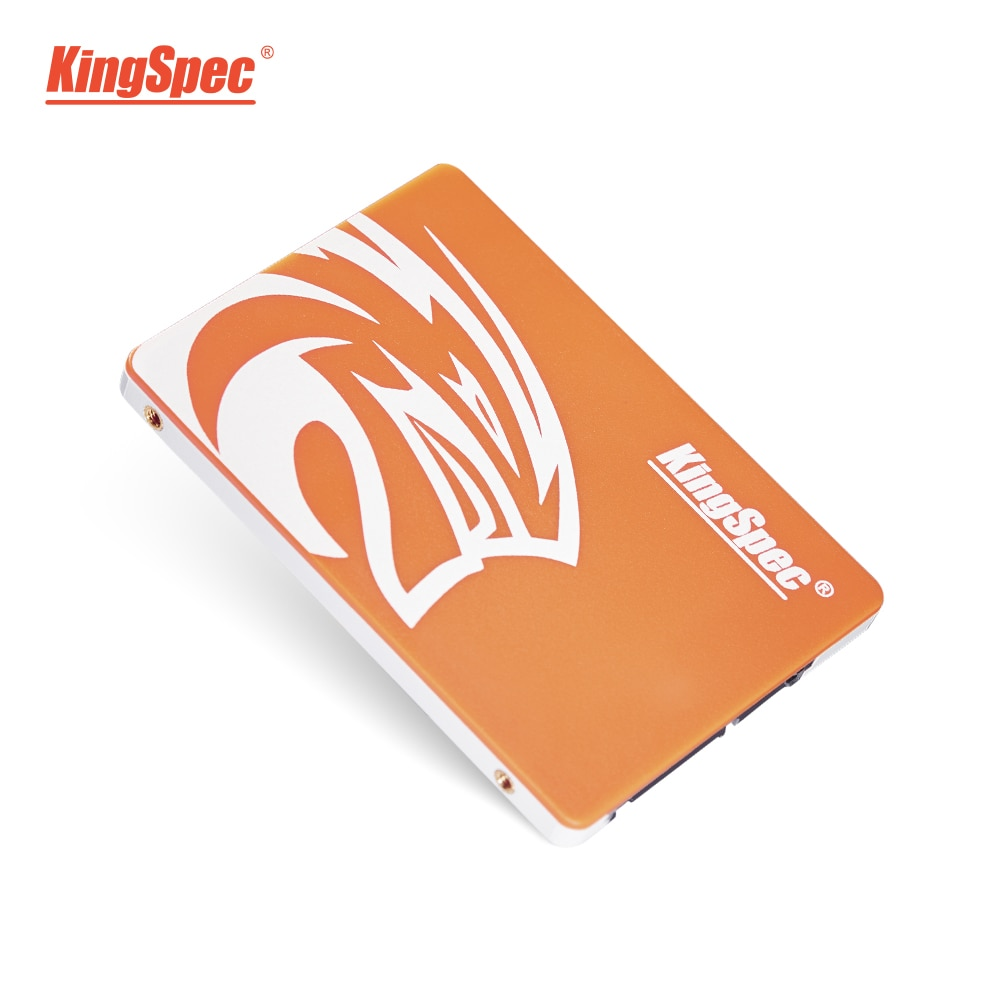
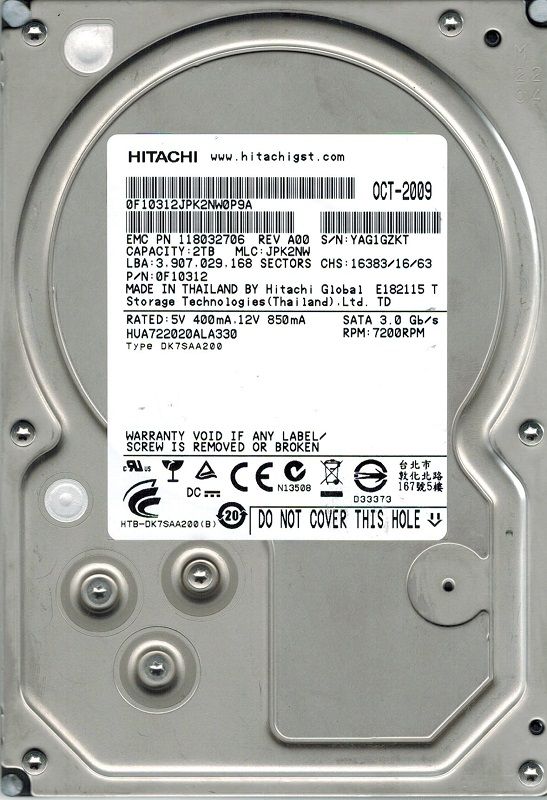
The chosen storage is a KingSpec SATA 120GB, a JSYERA S100 120GB SSD drives and 3 SATA 2TB Hitachi drives.
Features
| Feature | Value |
|---|---|
| Storage | 2 TB |
| Rotational Speed | Rotational Speed |
| Data Buffer | 32 MB |
| Size | 3,5” |
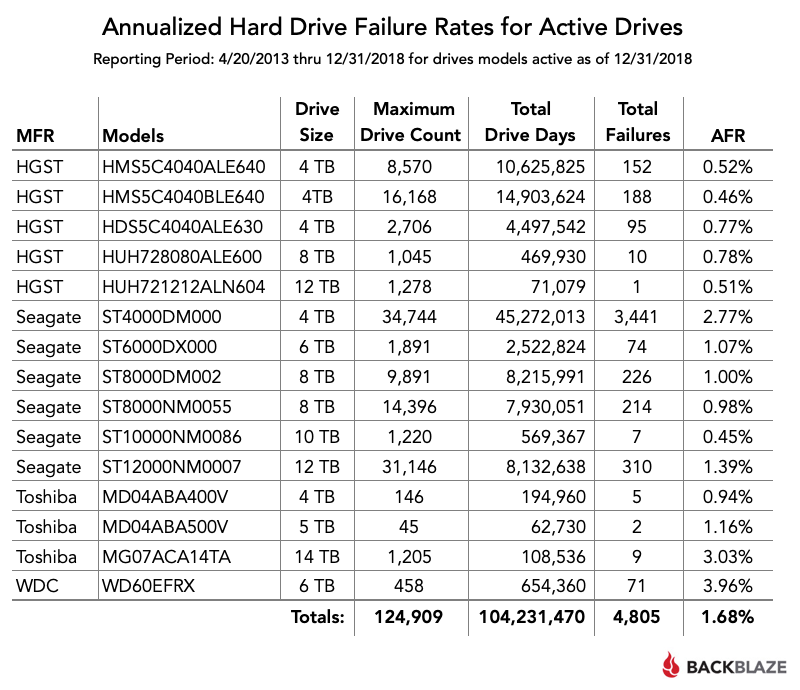
| MTBF | 1200000 H |
Why Hitachi?
Introduction
HGST (Hitachi Global Storage Technologies) mostly known as Hitachi, is a manufacturer of HDDs. It was founded in 2003 when Hitachi bough 70% of IBM HDD operations and founded HGST.
They presented the brand with the following title.
Hitachi Establishes “Hitachi Global Storage Technologies”
Taking A Bold New Step for Storage Innovation with the most advanced technology, the most extensive product line, and the greatest global reach in the industry.
In 2018 HGST was integrated in Western Digital due to a decission of the Chinese Ministry of Commerce.
Specifications
HGST created 3 main storage lines;
- Ultrastar: Enterprise-class line of HDDs in 3.5 and 2.5-inch form factor with SCSI, Fibre Channel, SAS [1] , and SATA interfaces
- Deskstar: Desktop-class line in 3.5-inch form factor with SATA interfaces.
- Travelstar: Mobile-class line in 2.5-inch form factor with SATA interfaces.
Installation
The Hitachi drives come with a regular 3,5” size and both SATA data and power connectors.
The problem was connecting them to the MoBo [4].
At first I thought I would need to buy a RAID card to connect them since the seller sold apart the LSI RAID card, SAS HDDs and backplane.
Anyway he told me that I would be able to plug them in the 2 SATA ports that are located in the motherboard.
That’s the first thing I tried, and it didnt work as I thought it would.
I wasnt able to boot from any disk connected to those ports but they were detected if it booted from other source (like a DVD, PXE [5] or USB).
That’s because those SATA ports were designed as optical SATA ports with the idea in mind to use them to connect CD, DVD or SATA tape drives.
I had to find a way to connect regular SATA drives.
First of all I found out that the motherboard had an integrated RAID controller with a SFF-8087 port (also known as internal mini SAS, don’t mix it up with the SFF-8088 which is the external mini SAS, neither Infiniband which is the SFF-8470 and considered as an HCA [6]).
Then I learned that the SAS standard is compatible with SATA but not the other way around. That means that SATA controllers only work with SATA drives and SAS controllers work with both SAS and SATA drives.
But still I had a problem, which was how would I connect SATA drives to a mini SAS port.
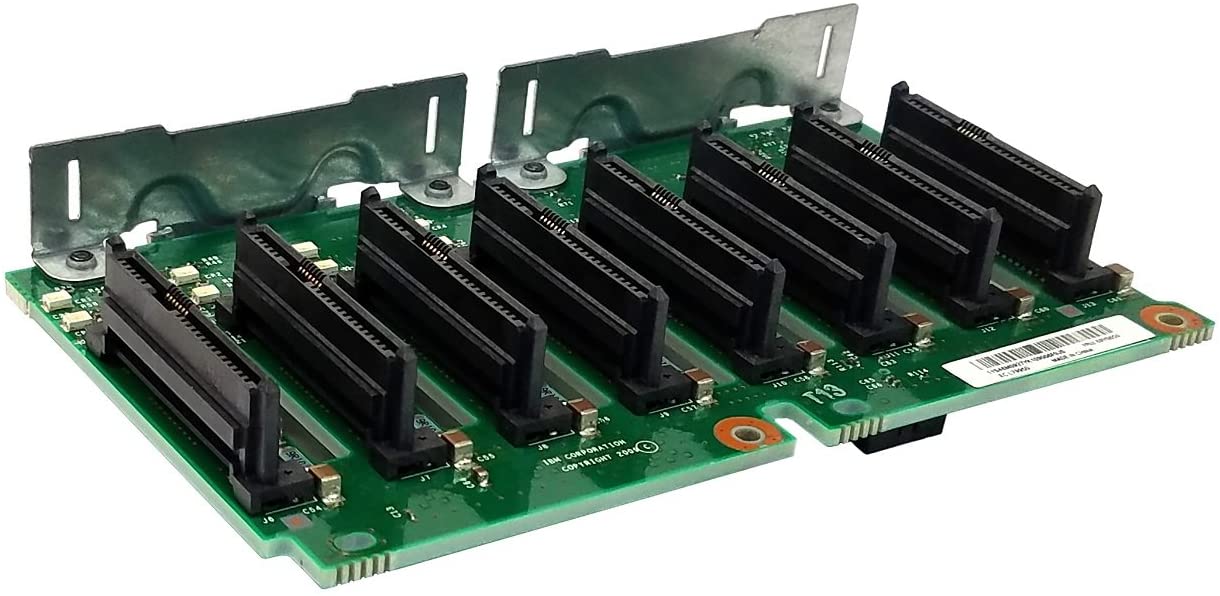
The server originally came with a backplane to connect the SAS HDDs to the RAID card.
A backplane is just a circuit board with connectors in parallel with each others. Even tho there are active (with more ICs) and passive ones, they can’t be confused with a MoBo or PCI card.
A MoBo or PCI card provide the ports, controllers and connections. A backplane is just a board that provides a PCI card or MoBo with different or more ports where the final device is connected, working as a bridge.
Note
With PCI I mean the cards that use the PCI-SIG standard, which includes PCI, PCI-X and PCIe cards
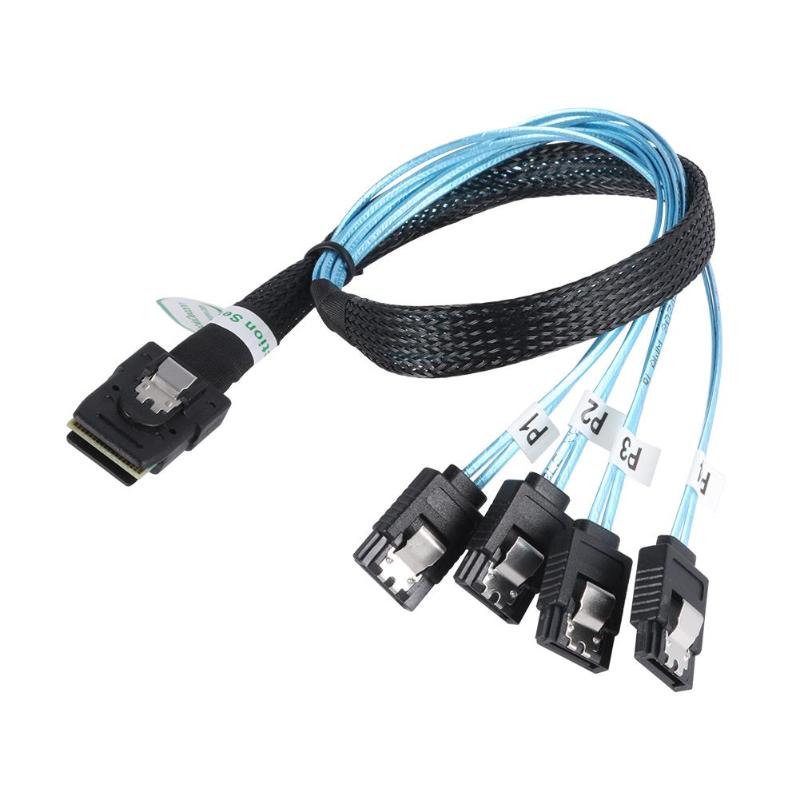
The solution I found was buying a SFF-8087 to 4x SATA cable. Each SFF-8087 is able to handle 4 devices, or using server structure language, targets.
The RAID controllers or cards can work in 2 modes; IR and IT mode.
- Integrated Raid means the controller is in charge of the disks and presents them to the OS as a RAID, JBOD [7] or Virtual Units [8] . Its the original mode of RAID cards.
- Initiator Target means the controller is not in charge of the disks, it just works as a dumb interface to connect the disks (both internally or externally) and let them in charge of the OS. Its the original mode of HBA [9] cards
Using software RAID with a controller in RAID mode can cause problems such lower speeds, confusion between the RAID controller and the OS software RAID and failures when trying to fix a disk array.
I used software RAID for some reasons that will be explained later.
To use the on-board controller as IT I had to set the storage as AHCI instead of RAID in the BIOS
Footnotes
| [1] | Serial Attached SCSI |
| [2] | Mean Time Between Failures |
| [3] | One of the biggest cloud storage companies that shares real HDD stats as open source |
| [4] | MotherBoard |
| [5] | Host Channel Adapter |
| [6] | Preboot Execution Environment |
| [7] | Just A Bunch Of Disks |
| [8] | Some RAID cards name the disks as virtual units |
| [9] | Host Bus Adapter |