BIOS Update
The BIOS is the Basic I/O System flash chip located in the motherboard.
Its main functions are configuring hardware settings and performing overclock.
The server comes with a 1MB Legacy Phoenix BIOS. The motherboard came with the first release BIOS version so I decided to update it.
Updating the BIOS is a delicate process and recommended to do it only if there’s any improvement or fixed bug that is needed.
A power outage or any kind of problem with the source media containing the new BIOS files can brick the motheboard [1]
Update Process
Required Files
To find the BIOS update files I went to the Fujitsu webpage clicked Select a new product and typed in the serial number found on the case sticker.
Then all the available and compatible software for my server appeared in the downloads section.
There are many ways to update it. Some of them are using a floppy, running a program in the OS [2] or through the server IRMC.
The method I chose was via USB drive.
I proceeded to download the latest version, which includes the following features.
BIOS - Change V4.06 Release 1.10.2509 Date 20.12.2010
CPU Microcode update for Intel Xeon 5100/ 5200/ 5300 5400 based processor
(CPUID/Patch ID: 6FB/BC; 10676/60F; 1067A/A0B)
Here you can read the whole changelog.
USB Creation
The file downloaded from the Fujitsu web page was a .exe.
I plugged in a fresh FAT 32 formatted 32 GB USB stick and made sure there was no other USB stick plugged in to avoid confusion.
Executing the file will warn that all the selected drive data will be cleaned.
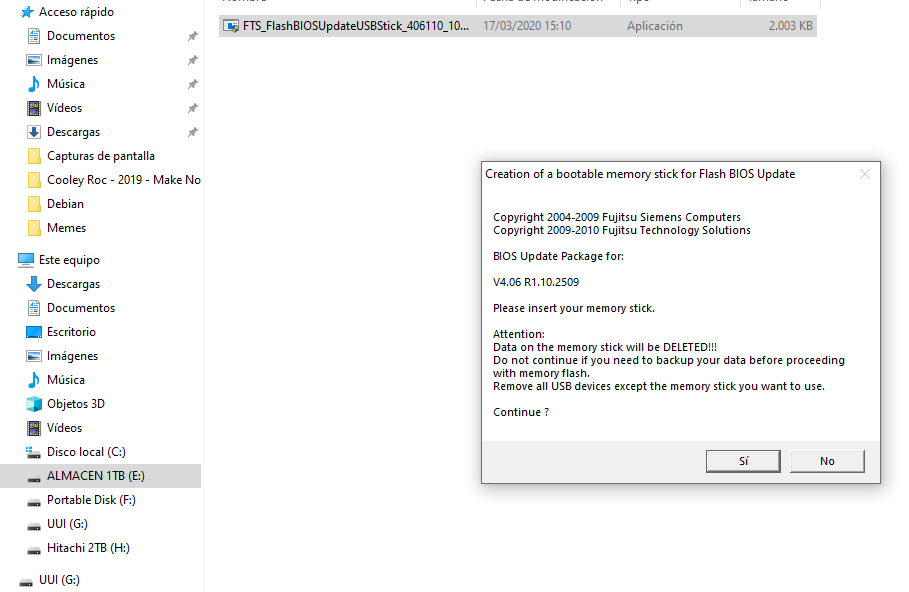
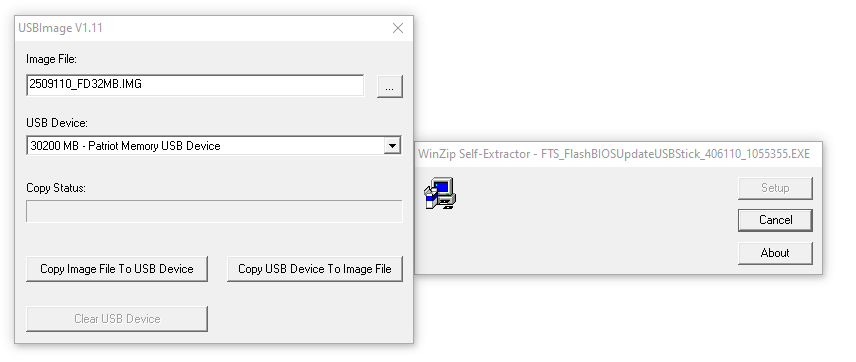
Some new windows will appear, letting to either make an image file from the USB files or create a USB drive with an image file.
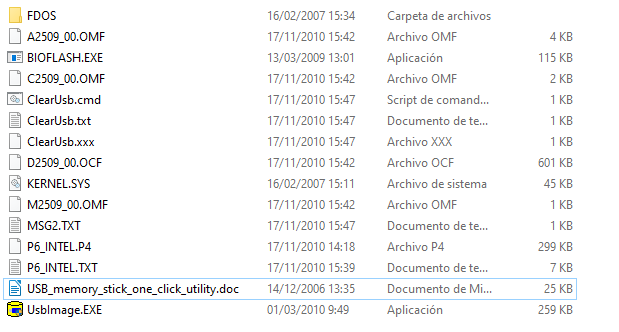
I chose to use the BIOS image file and the device I wanted to use. Then I copied the IMG [3] to the USB.
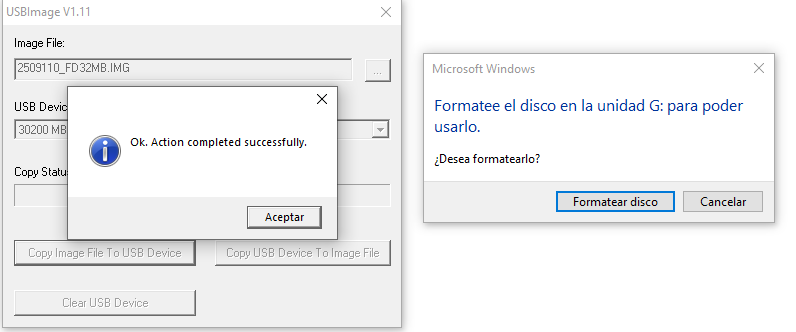
I skipped the Windows warning to format the drive and accepted the prompted window.
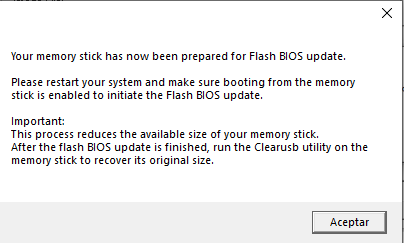
Surprise! the image file was a FreeDOS OS with the BIOS update program.
FreeDOS
Introduction
FreeDOS is a free terminal-based and low size OS.
As many other DOS operative systems its based in CP/M [4].
Even tho most people would think that DOS operative systems are based on MSDOS, that’s wrong!
The earlier versions of MSDOS were a copy of CP/M (in fact, MSDOS was programed with the CP/M API). MSDOS was just more widespread and compatible with any x86 computer, unlike CP/M.
CP/M also pioneered the idea of a ROM based BIOS for commonly used routines on a given computer, which made it easy to port.
Its source code can be found here
Hands-On
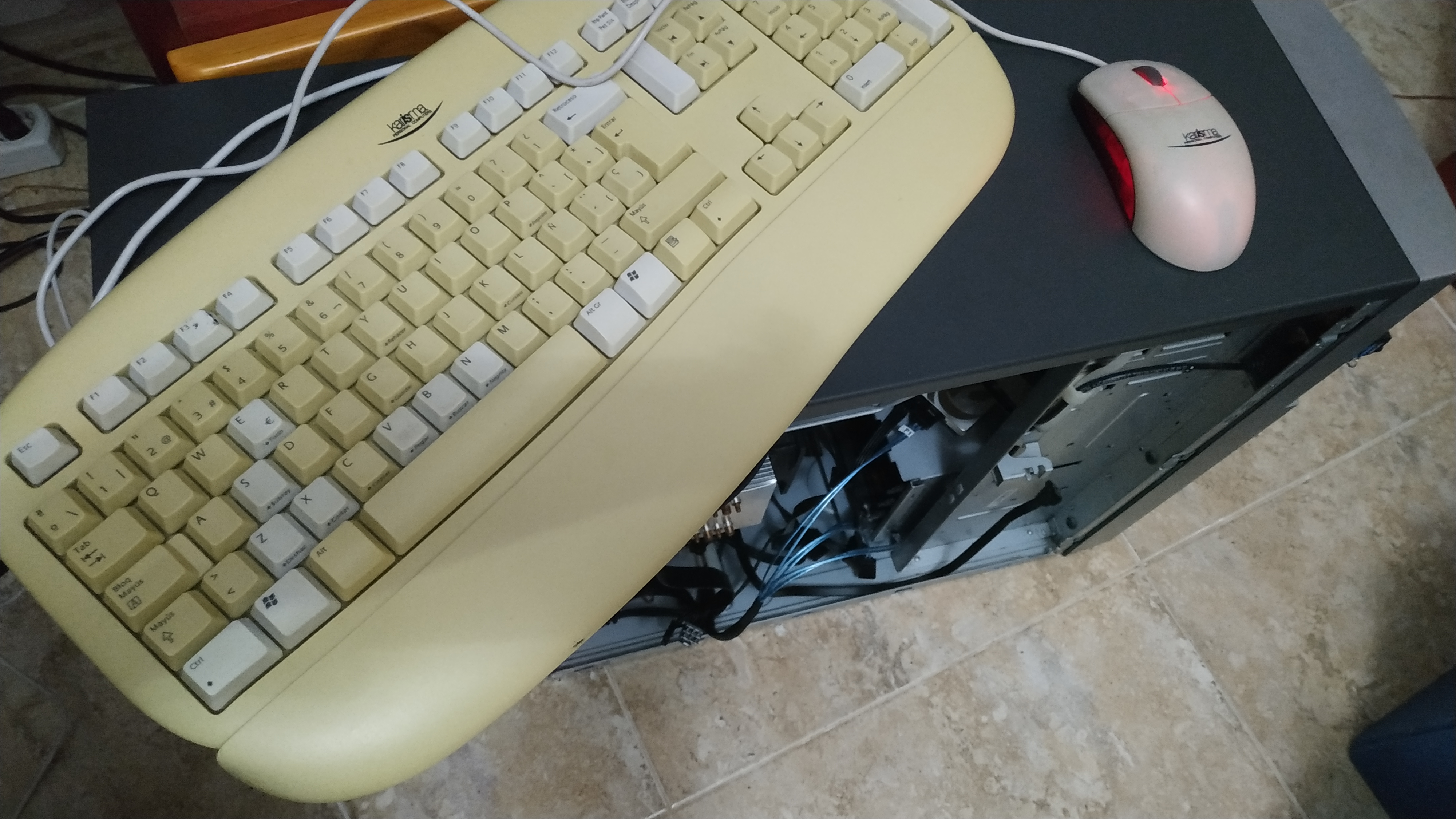
To avoid any problems with USB drivers or BIOS detection I used my handy and trusted PS2 keyboard and plugged in the USB stick in the server.
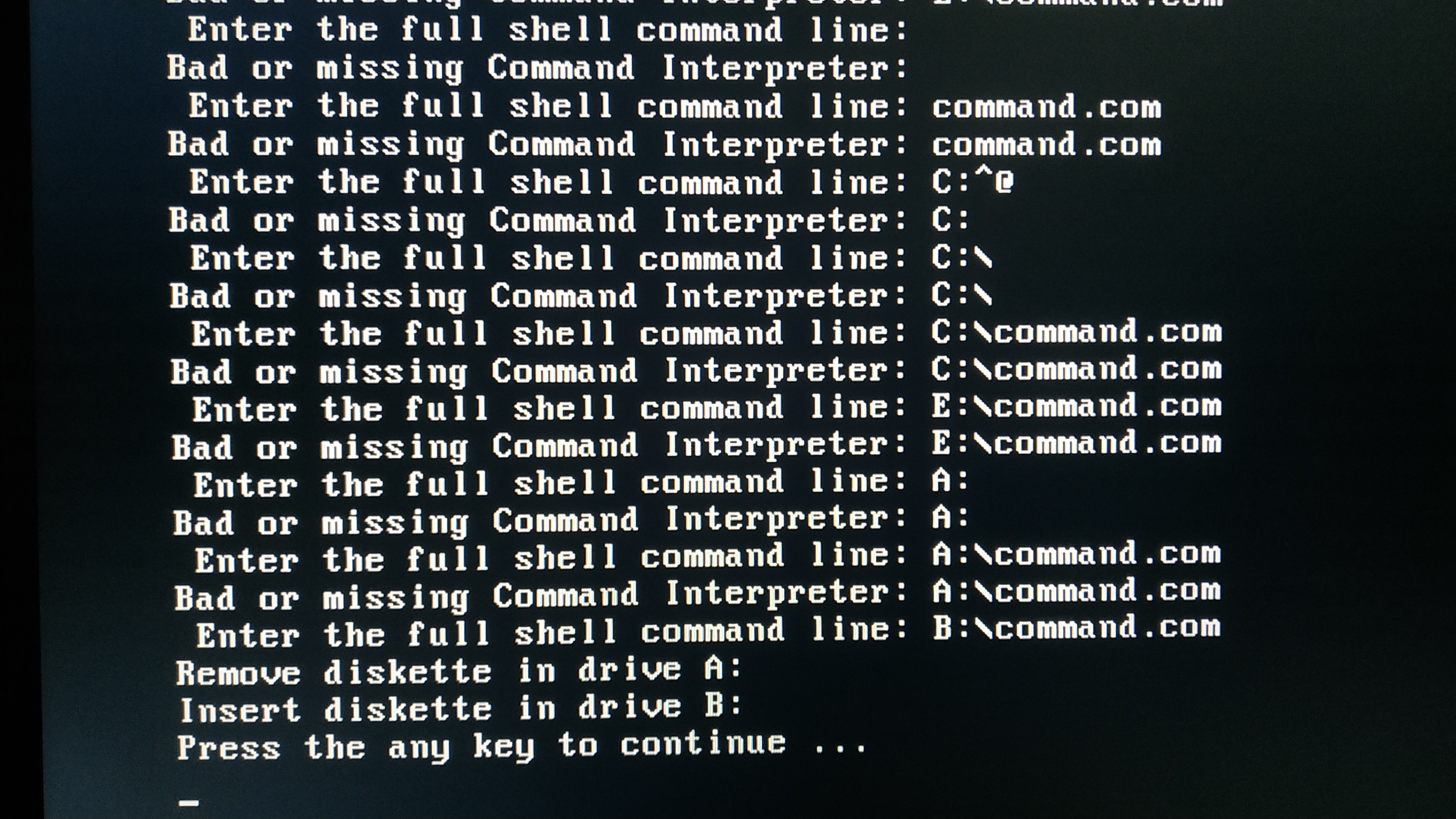
Then I booted into the BIOS, removed the exclamation mark on the USB drive so it would allow it to boot, and as soon as FreeDOS booted I got the following error.
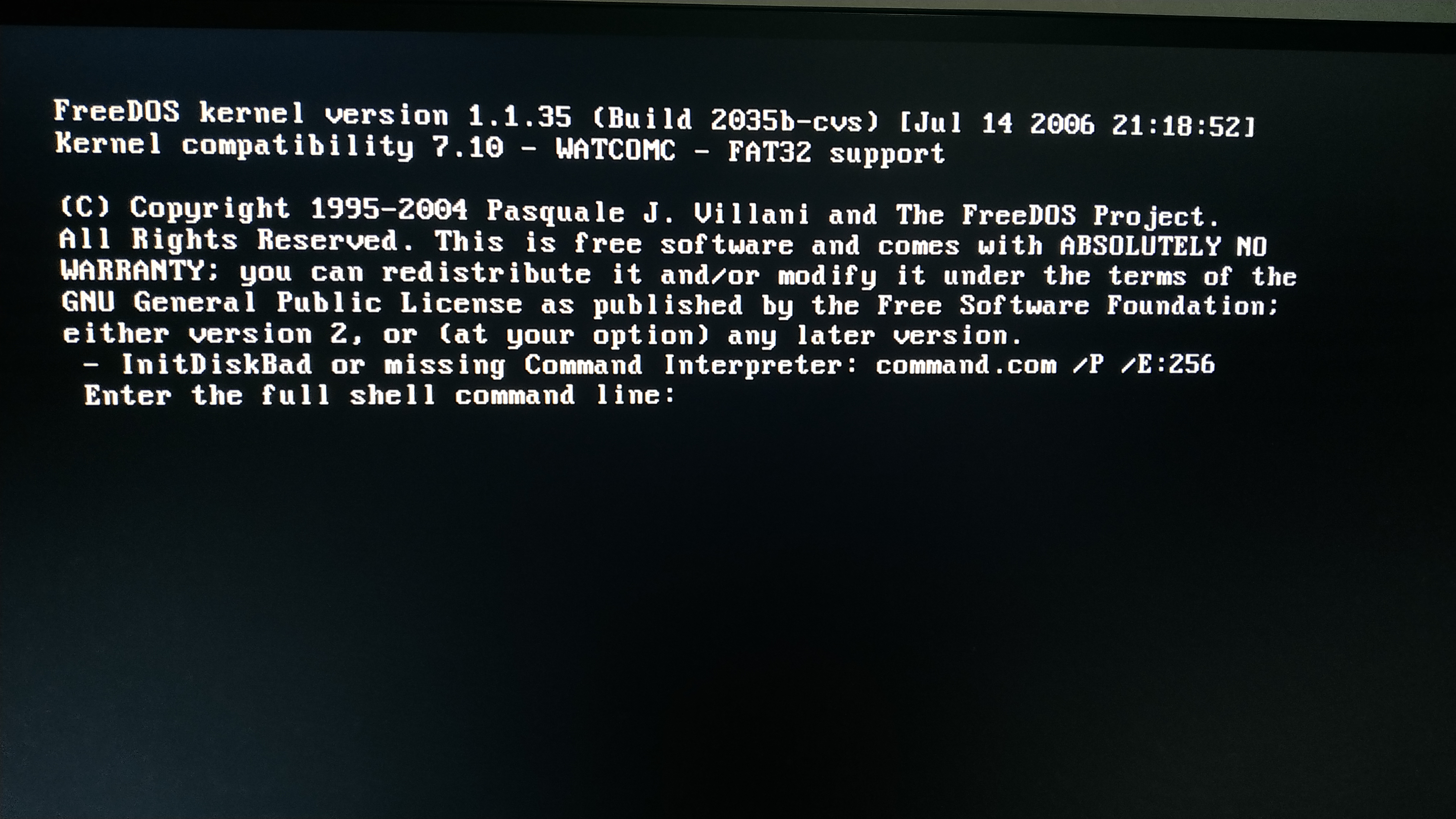
COMMAND.COM is the default command-line interpreter in DOS operative systems.
To overcome this error I had to reverse engineer it.
First I tried looking for any drive letter that could be detected in the DOS (C:, A: and B: are the common disk and floppy drives).
After trying all the drive letters the only ones that gave a hint were A: and B:, but still it didn’t detect the COMMAND.COM file that should be in the USB stick. It seemed like there was no COMMAND.COM!
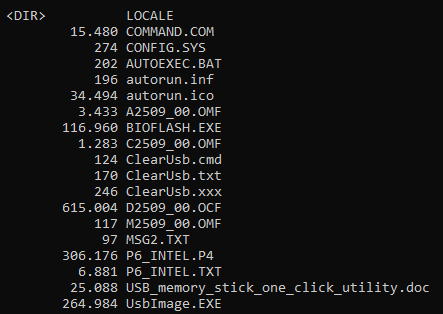
So the solution I came across after thinking was making a FreeDOS USB stick with a newer version, moving all the files that I considered necessary for the BIOS update process and also added the missing COMMAND.COM file.
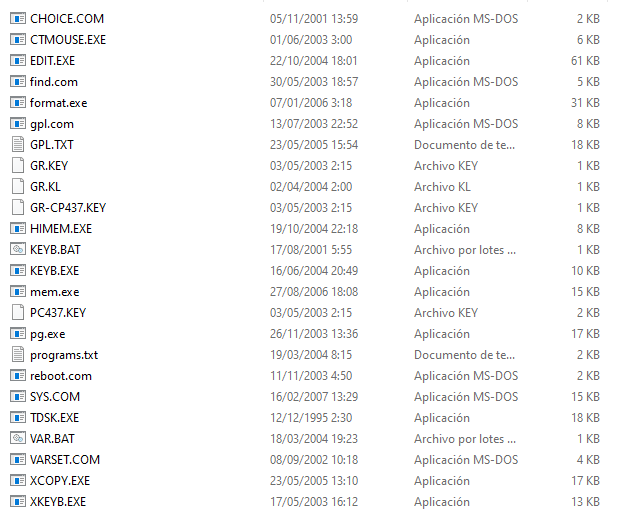
I created the FreeDOS USB with an image resulting in this.

Then I added the required BIOS update files and the COMMAND.COM (which even with hidden files toggled on was not visible in the Windows file explorer).
Since Microsoft finally published the MSDOS source code in 2018 I could grab the COMMAND.COM from here
There was no manual or guide for the BIOS update program so I just executed it to see the valid arguments.
The command I executed was
BIOFLASH.EXE /AUTO so it would take the suitable BIOS OMF file and flash it.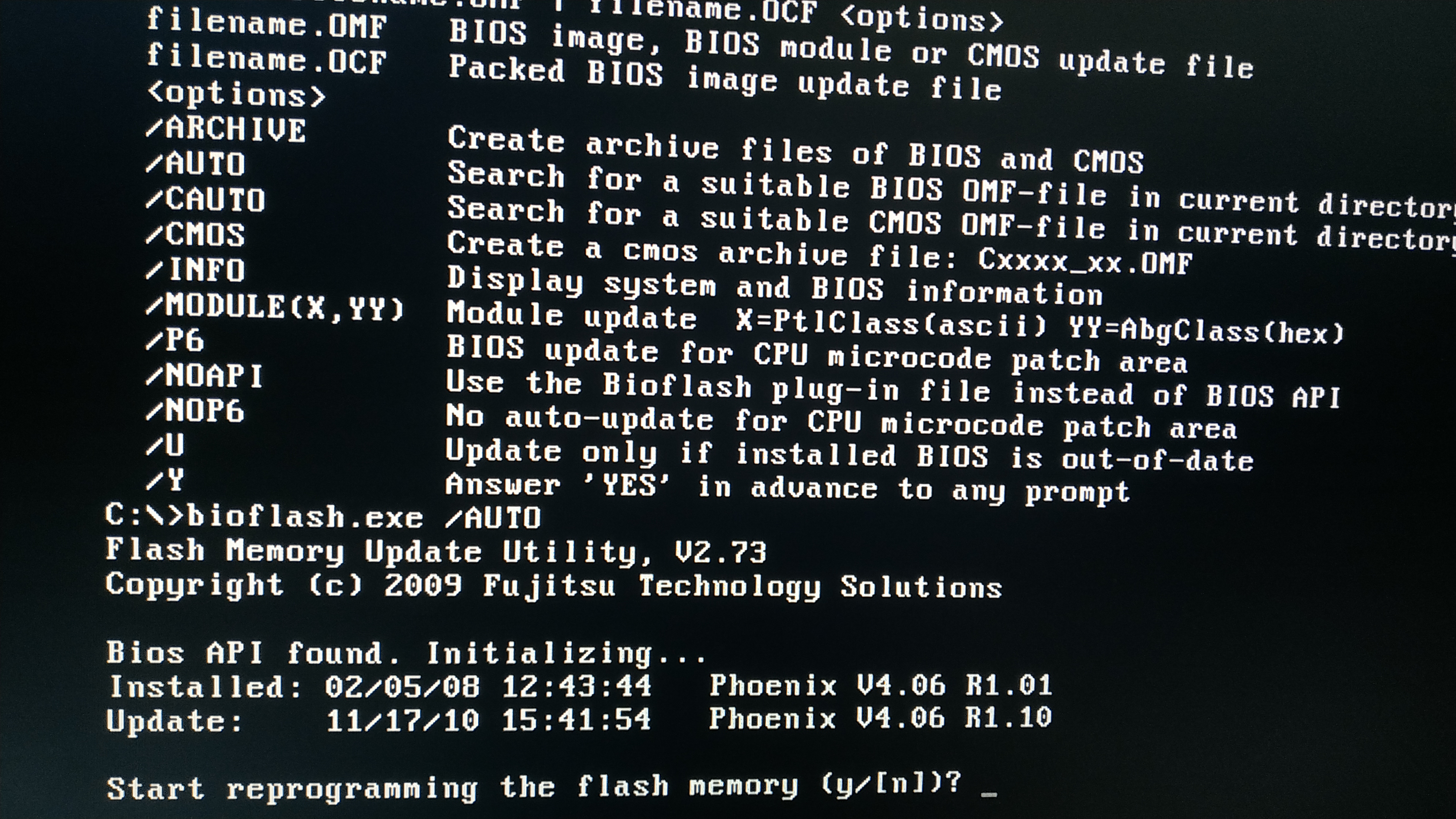
After finishing the flashing process I turned on the MasterServer on and it POSTed. Success!
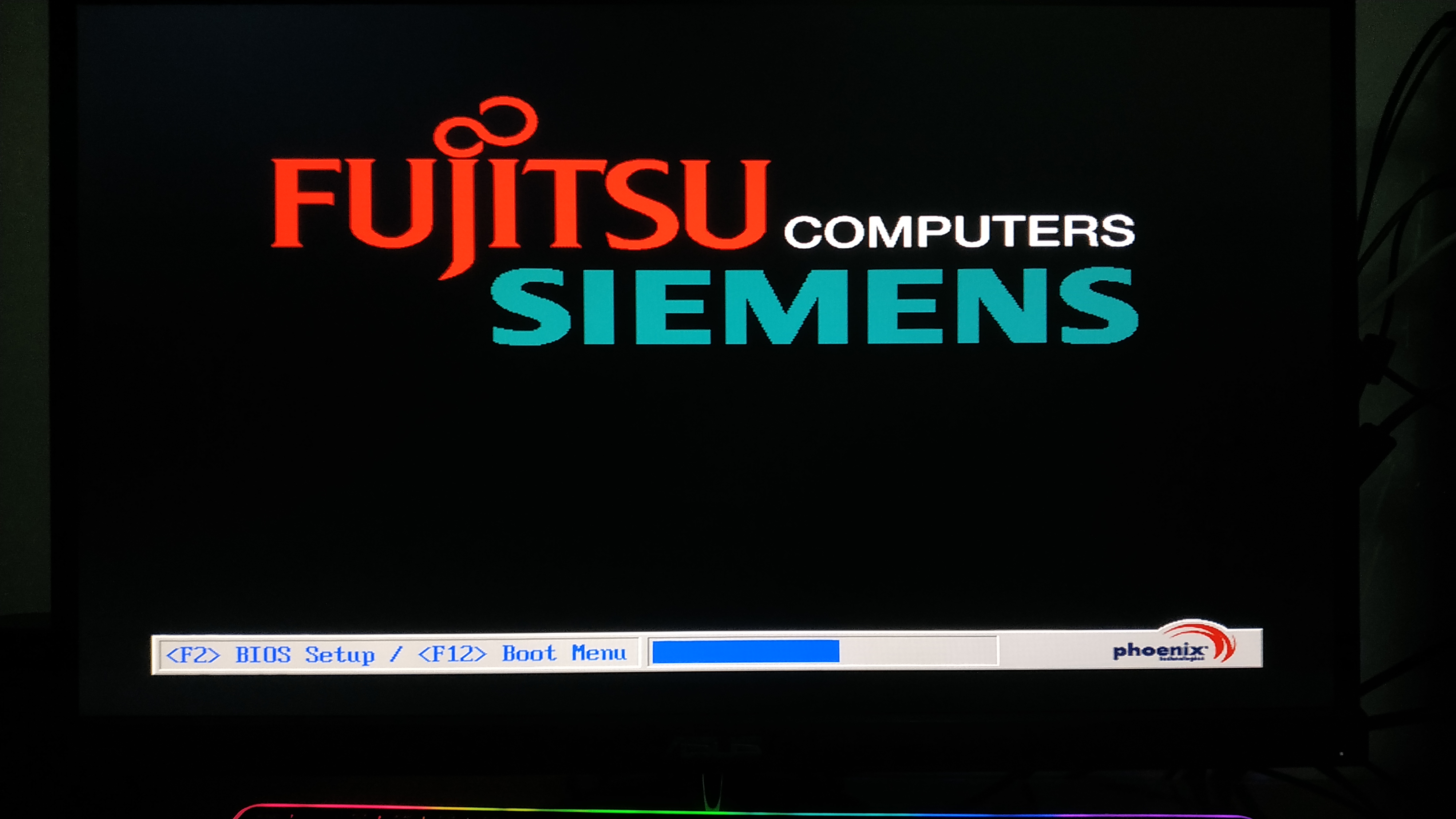
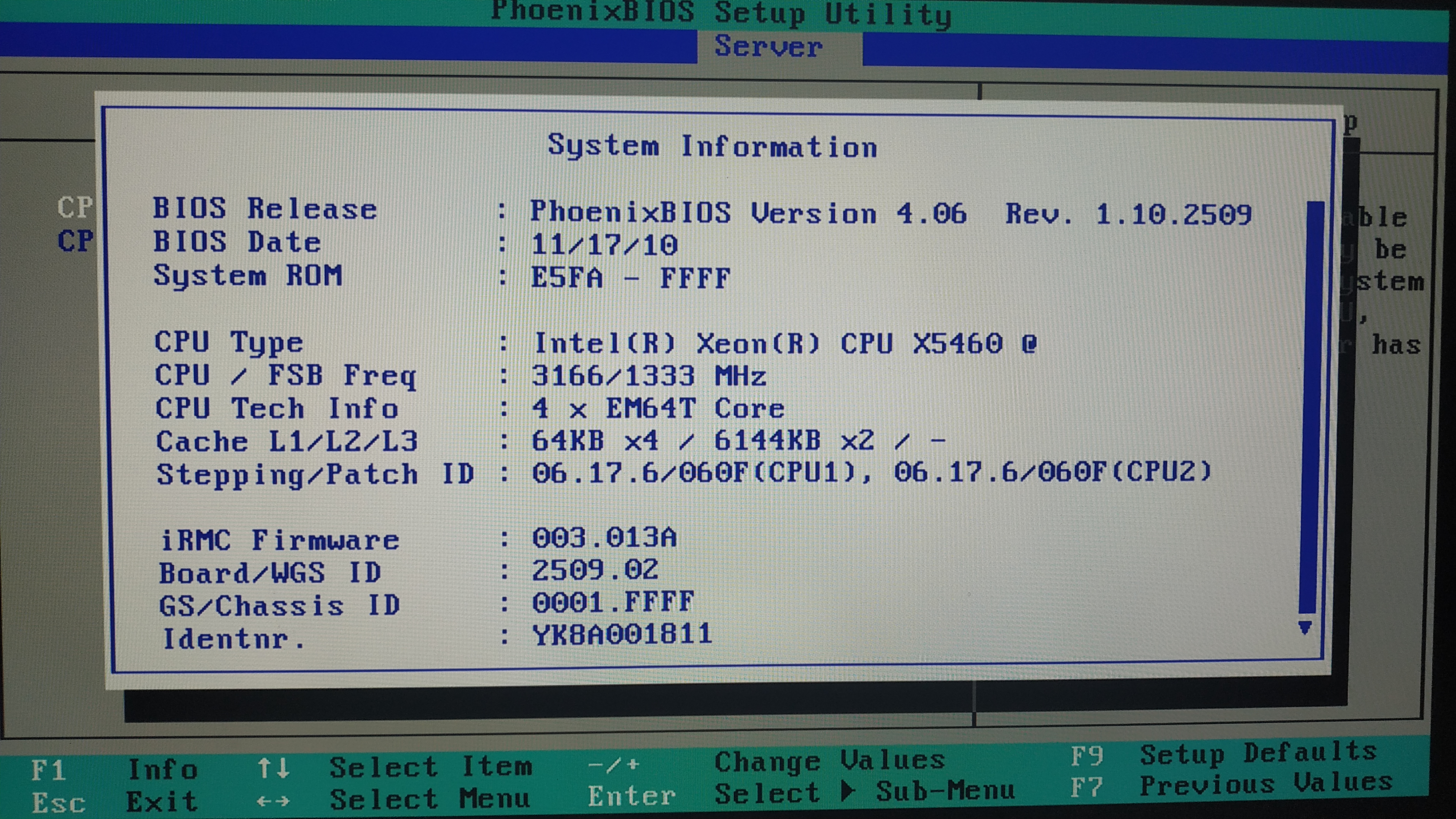
Finally I checked that the BIOS was actually updated to its latest version from the BIOS.
Footnotes
| [1] | Bricking a motherboard is the result of a bad flashing process that makes the BIOS unusable and the PC wont POST (I haveve done it and I dont recommend it) |
| [2] | Raw Image format. ISO files are CD/DVD images intended to distribute software, IMG files are floppy images intented to serve as backups of HDDs |
| [3] | Operative System |
| [4] | Control Program for Microcomputers |